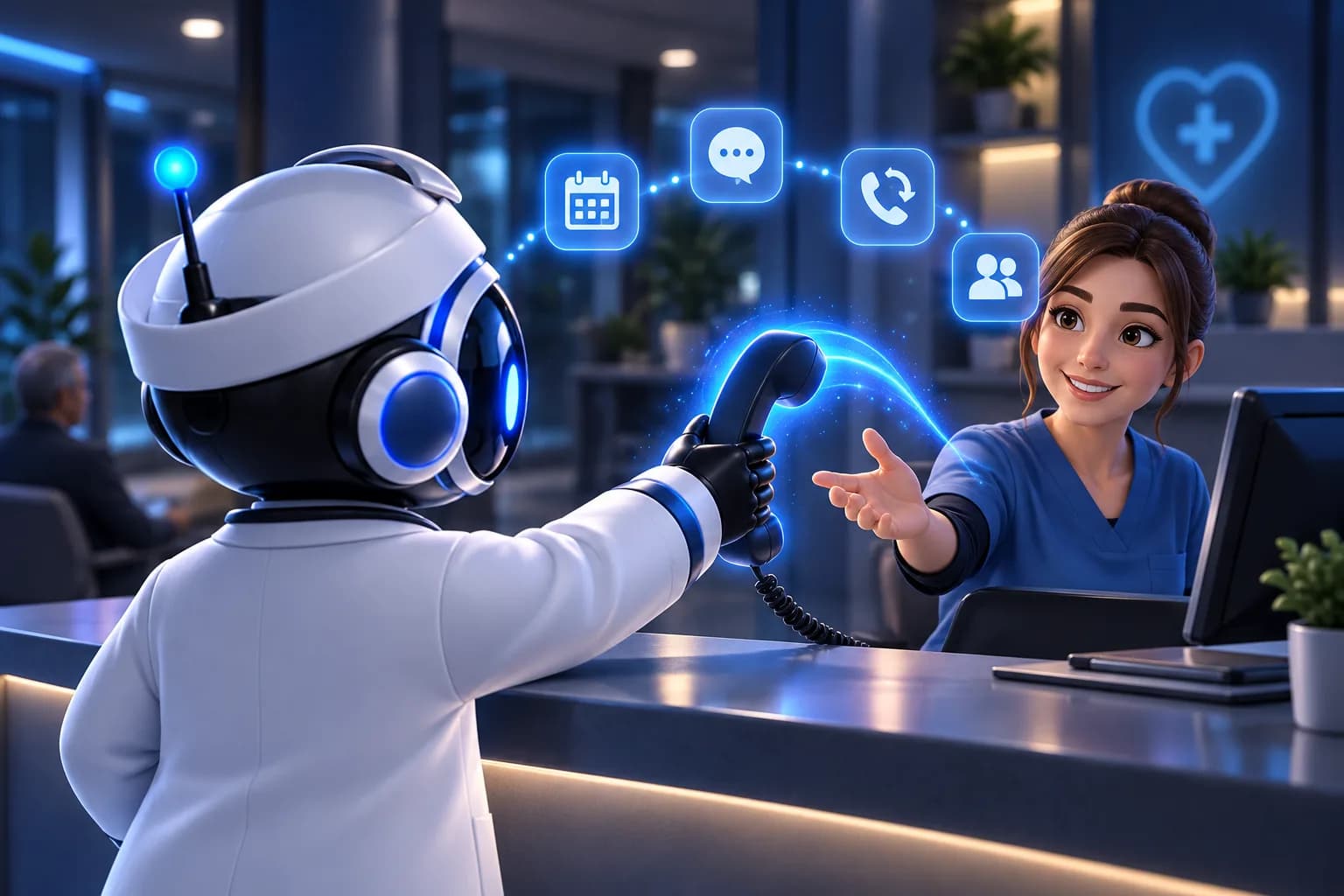
Ask any clinic manager what slows the front desk down, and the answer is usually the same: the phone. Patients call to book, move or cancel a visit. They ask about opening hours, prices, referrals and preparation for tests. Meanwhile, people standing at the desk need attention too.
This is why automatyzacja recepcji w przychodni (front desk automation for clinics) has become a practical topic for practice owners in Poland. An AI voice agent will not replace your registration team. It takes over the repetitive phone work so your staff can focus on patients in front of them.
This article explains what a voice agent can realistically automate, where a human should stay in the loop, and how to start without a risky rollout.
Why the Phone Is Still the Bottleneck
Online booking helps, but many patients still prefer to call. Older patients, people with urgent symptoms and anyone who has a quick question often pick up the phone instead of searching a website.
The problems are familiar:
- Calls arrive in peaks, usually in the morning, when the desk is already busy.
- Calls after hours go to voicemail, and many callers never leave a message.
- Staff answer the same ten questions dozens of times a week.
- Missed calls are missed appointments, and the patient may simply call another clinic.
A voice agent addresses exactly these situations. It answers every call, in Polish, at any hour, and handles the routine part of the conversation.
What an AI Voice Agent Can Automate at the Front Desk
Answering calls 24/7
The agent picks up immediately, so nobody waits in a queue and no call falls into voicemail. For a small practice with one or two people on registration, this alone changes how the day runs. Outside working hours, the patient still gets an answer instead of a recording.
Booking appointments
The most common reason for calling a clinic is to schedule a visit. The agent can talk the patient through it: which specialist, what date and time suit them, and the contact details needed to confirm. The patient gets a natural conversation rather than a keypad menu.
Answering questions from a knowledge base
Much of the phone traffic is informational. You provide the agent with approved content, and it answers from that material. Typical topics include:
- opening hours and location, including parking and access
- list of services and which doctors see which patients
- price list for private visits
- how to prepare for common tests or procedures
- what documents to bring
- how to cancel or reschedule
The key point is that the agent answers from your knowledge base. It does not invent policies. If a question falls outside the content you provided, it should say so and pass the patient to a person.
Calling back leads
Not every contact starts with a phone call. A person may leave a request on your website or call outside working hours and hang up. The agent can call these leads back, confirm what they need and move them toward a booking. This is useful for private practices and clinics offering paid services, where a missed enquiry is a lost patient.
Handing the conversation to a human
A good voice agent knows its limits. When a patient has a complex request, is upset, or asks something that needs a decision from staff, the agent transfers the call to a person. The receptionist then starts with context instead of a cold greeting. This handover is what makes the system safe to deploy in a medical setting.
The Voice Widget on Your Website
Phones are one channel. Your website is another. A voice widget lets visitors talk to the agent directly from the page, without dialing a number. A patient reading about a service can ask a question aloud and get an answer based on the same knowledge base as the phone agent.
For clinics, this is a low-friction way to test the technology. BrosBots offers a Free plan with 30 minutes per month at no cost, which is enough to put the widget on a page and see how real visitors use it before you commit to anything.
Connecting to Your Existing Phone System
Most clinics already have a phone system and do not want to change numbers or retrain staff. BrosBots integrates with PBX systems, for example Daktela via SIP. In practice, this means the agent can sit alongside your current telephony: calls reach the agent, and when needed, they are routed to your staff as usual.
Your IT person or telephony provider should confirm the details for your setup. It is a good question to raise early, because the phone infrastructure is usually the part that determines how quickly you can go live.
What You Should Not Automate
Be clear about the boundaries. A voice agent at the front desk is an administrative tool. It should not:
- give medical advice or interpret symptoms
- make clinical decisions or triage emergencies on its own
- replace staff in sensitive or complicated conversations
Set up the agent so that anything resembling an urgent medical situation is directed to the proper route, whether that is a staff member or the instructions you define for emergencies. Write these rules down before launch and test them with realistic calls.
Data and Privacy
Health-related conversations call for careful handling of personal data. Voice agents process names, phone numbers and the reason for a visit, so you should know where that data goes.
BrosBots processes data in the EU. Even so, treat the rollout as you would any new system that touches patient information: involve your data protection officer or legal adviser, update your privacy notice, and inform callers that they are talking to an AI assistant. Decide in advance what the agent should and should not ask for, and keep that to the minimum needed for booking.
How to Start Without Disrupting the Practice
A gradual rollout reduces risk and gives you real data on what works.
- Collect the questions. Ask your registration staff for the 20 most frequent questions they answer. This becomes the first version of the knowledge base.
- Start with the website widget. Use the Free plan to test answers and tone with no commitment.
- Define handover rules. Decide which situations always go to a human, and who picks up.
- Add phone coverage for after hours. Missed calls outside opening hours are the easiest place to see value.
- Expand to peak hours and callbacks. Once you trust the answers, let the agent absorb more of the routine load.
- Review conversations regularly. Update the knowledge base when you see questions the agent could not answer.
What It Costs
Pricing is simple to understand. The Free plan includes 30 minutes per month. Paid plans start at 249 PLN per month and include a package of minutes. To estimate your needs, think about the number of calls you receive, the average call length, and how many of them are routine. Compare that with the time your staff currently spend on the phone and the calls you miss.
FAQ
Can an AI voice agent speak Polish with patients?
Yes. BrosBots agents answer calls in Polish, so patients can speak naturally without choosing options from a menu.
Will the agent replace our receptionists?
No. The agent handles routine calls such as booking, basic questions and callbacks. Your team stays responsible for in-person service, complex cases and anything that needs human judgment. The agent can transfer calls to staff when needed.
Can the agent give medical advice?
It should not. Configure it for administrative tasks only, and define clear rules for how urgent or clinical questions are redirected to a person.
Does it work with our current phone system?
BrosBots integrates with PBX systems, for example Daktela via SIP. Check your specific setup with your telephony provider to confirm how calls will be routed.
Where is patient data processed?
Data is processed in the EU. As with any system handling health-related information, involve your data protection officer and adjust your privacy notice before launch.
Can we try it before paying?
Yes. The Free plan offers a website voice widget with 30 minutes per month, which is a practical way to test the agent with your own content.
Try It at Your Front Desk
If you want to see how automation of the front desk works in a real clinic setting, start with the free voice widget on your website, or book a demo to talk through phone integration and your specific use case. Visit brosbots.com to get started.
Try it for free. Add the free BrosBots voice widget to your website: the Free plan, 30 minutes of calls a month, no card. Create an account and launch the widget or first see how the AI voice agent for clinics works.