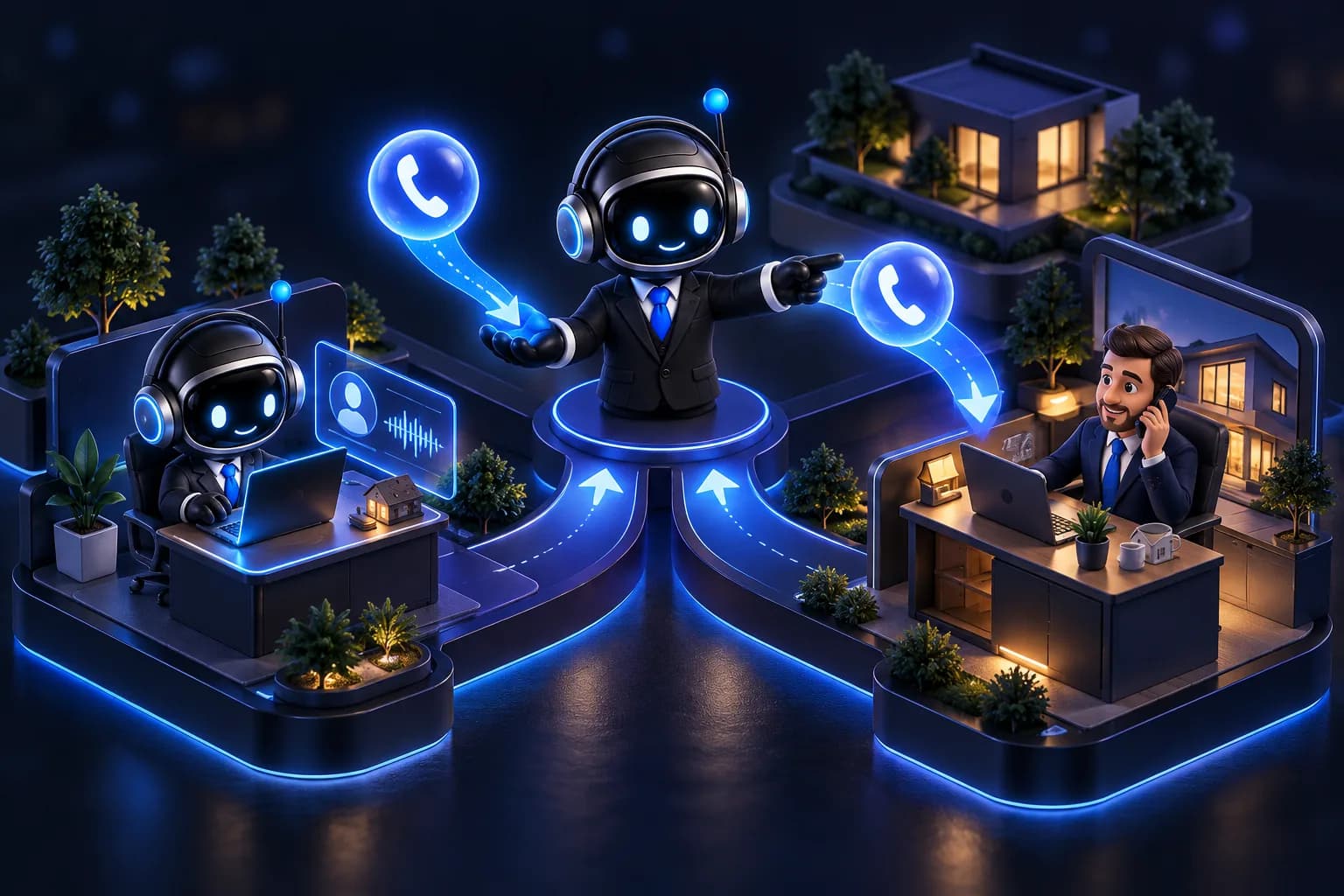
A dealership phone rings at the worst moments. The service advisor is with a customer, the sales team is on a test drive, and the receptionist is covering three lines. Meanwhile, someone who wanted to book a tire change hangs up and calls the next dealer.
An AI phone agent fixes this, but only if it is connected properly to the system your team already uses. This guide explains how AI integration with a dealership phone system works in practice, which call flows to start with, and what to prepare before you go live. We describe a ready-made setup for this industry on our AI voice agent for car dealerships page.
Why the phone still matters in automotive
Most dealership customers still call for the things that matter most: booking a service visit, asking whether a specific car is in stock, checking opening hours, or following up on an inquiry. These calls are often short and repetitive, but they are tied to revenue.
The problem is rarely a lack of staff skill. It is availability. Calls arrive outside working hours, during peaks, and when the right person is busy. An AI agent does not replace your advisors. It makes sure that every call is answered and that the right ones reach a human with the context already collected.
What an AI phone agent does in a dealership
BrosBots is a Polish platform for AI voice agents. In a dealership setting, the agent can:
- Answer calls 24/7 in Polish
- Book appointments, such as service visits or test drives
- Answer questions from a knowledge base you control (hours, locations, service offer, procedures)
- Call back leads who left their number
- Transfer the call to a human when the situation requires it
The key phrase is "from a knowledge base you control". The agent answers based on the information you provide, so it stays consistent with your actual offer and rules.
How the integration with your call center works
The SIP connection
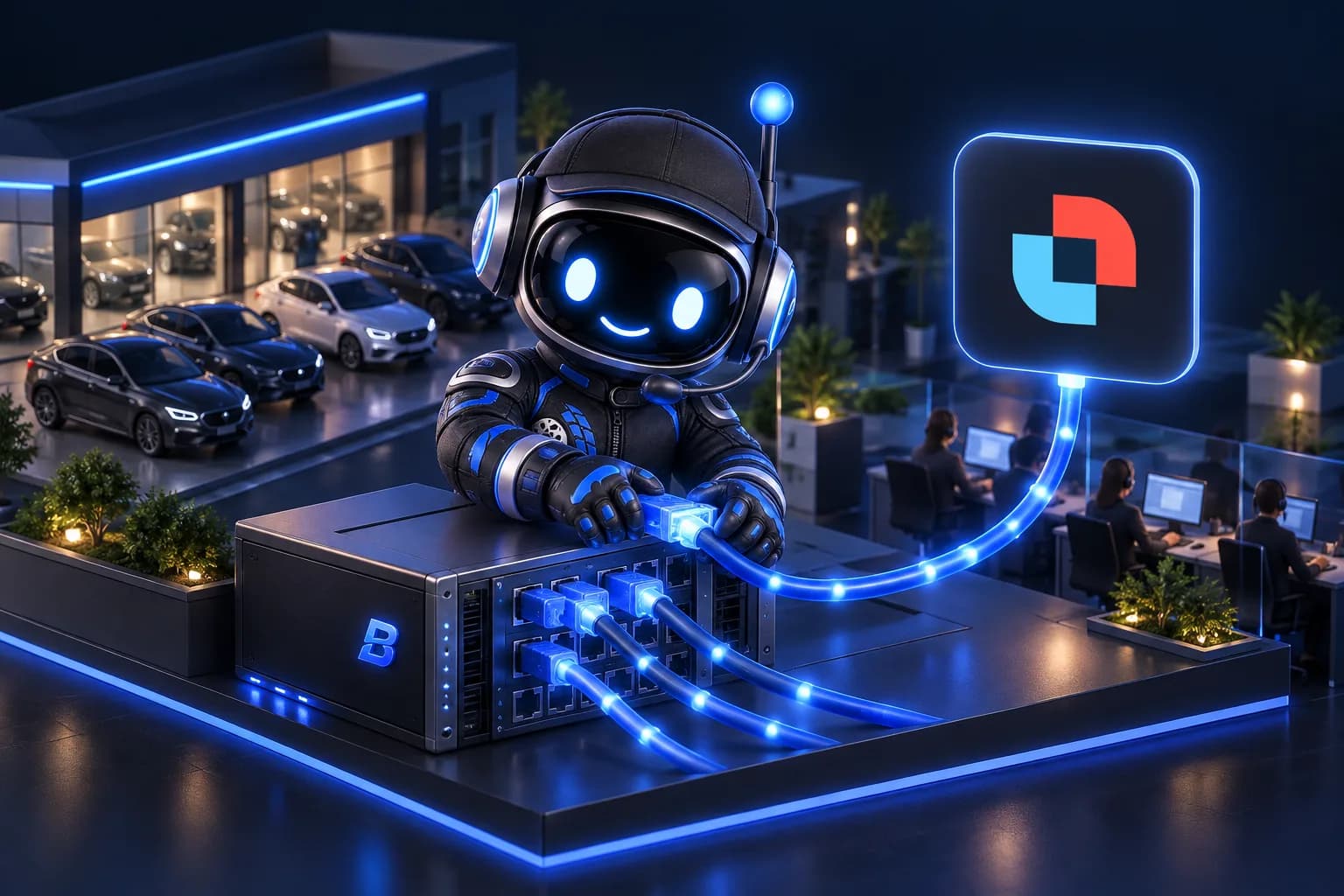
The standard way to connect an AI agent to a call center is SIP, the protocol most business phone systems use to route calls. BrosBots integrates with PBX and contact center platforms, for example Daktela via SIP.
In practice, the setup usually looks like this:
- Your IT administrator or telephony provider prepares a SIP connection (an extension or trunk) for the AI agent.
- The connection details are configured on the BrosBots side.
- You define rules in your phone system for which calls go to the agent.
- You run test calls before any real customer is routed.
You do not need to replace your current phone system. The agent plugs into it as another destination for calls.
Choosing which calls go to the agent
You decide the routing logic. The most common models for dealerships are:
Overflow. The call goes to your team first. If nobody answers within a set time, or all lines are busy, the call moves to the AI agent. This is the safest starting point because it only handles calls that would otherwise be missed.
After hours and weekends. Outside business hours, the agent takes all calls, collects the request, and books a visit or leaves a structured message for the morning.
Dedicated line or IVR option. For example, "press 2 for service booking" leads to the agent. This works well when one department, such as the service desk, is the bottleneck.
Full front line. The agent answers every call first and routes to people when needed. This is a bigger change and is best introduced after you have tested one of the models above.
Handover to a human
Handover is where most integrations succeed or fail. The agent should pass the call to a person when:
- The caller asks for a specific employee
- The topic is outside the knowledge base, such as a complaint or a complex warranty case
- The caller is frustrated or simply wants a human
- A sales conversation reaches the point where a salesperson should step in
Define these rules explicitly, and make sure the transfer targets (queues or extensions) in your phone system are correct and staffed during the hours they are used. A well-designed transfer means the customer does not repeat everything from the start.
Call flows worth starting with
These are examples of scenarios to consider, not a fixed template. Adapt them to your dealership.
Service appointment booking
The caller wants to book a service. The agent asks for the type of service, preferred date, and contact details, then confirms the booking according to your rules. If the request is unusual, such as a non-standard repair, the agent hands over to an advisor.
New and used car inquiries
The caller asks about a model or availability. The agent answers general questions from the knowledge base, collects the caller's needs and contact details, and either transfers to a salesperson or schedules a callback.
Lead callback
A person fills in a form on your website or leaves a number. The agent calls back quickly, confirms interest, and arranges the next step, such as a test drive or a conversation with a salesperson. Speed matters here because a lead contacted soon after the inquiry is simply easier to talk to.
Missed call recovery
If someone calls and hangs up, the agent can call back to find out what they needed. This turns missed calls into conversations instead of lost opportunities.
Preparing your knowledge base
The quality of the agent depends on the quality of the information it has. Before launch, gather:
- Opening hours for sales, service, and parts, including holidays
- Addresses and directions for each location
- The service offer and how booking works
- Rules for test drives (documents required, how far in advance to book)
- Answers to the 20 questions your receptionists hear most often
- Clear boundaries: topics the agent should never answer and should hand over instead
Keep this material short and unambiguous. If two documents contradict each other, the agent will reflect that confusion.
A practical rollout plan
- Start with the website widget. Test the voice agent on your site first. It uses the same knowledge base, so you can check answers and tone without touching your phone system.
- Build the knowledge base from real questions your team receives.
- Connect the phone system via SIP and run internal test calls, including transfers.
- Launch in overflow or after-hours mode so that the agent only handles calls that would otherwise be missed.
- Review conversations weekly. Update the knowledge base, adjust handover rules, and then widen the scope.
Data protection and transparency
Phone calls contain personal data, so where it is processed matters. BrosBots processes data in the EU. Still, review the setup with your data protection officer or legal advisor, especially regarding call recording, retention periods, and informing callers. A short announcement at the start of the call that the customer is speaking with an AI assistant is good practice and builds trust.
Costs
You can start without a budget commitment. The Free plan includes the voice widget for your website with 30 minutes per month. Paid plans start at 249 PLN per month and include a package of minutes. Since pricing is minute-based, it makes sense to begin with overflow or after-hours calls and scale once you see the volume.
FAQ
Do I need to replace my current phone system?
No. The agent connects to your existing system, for example through SIP. Integrations with platforms such as Daktela are supported, and the agent becomes another destination in your call routing.
Can the AI agent speak Polish?
Yes. The agent answers calls in Polish, which matters for dealerships serving customers in Poland.
What happens if the agent cannot answer a question?
It transfers the call to a person according to the rules you define, or collects the caller's details so that your team can respond. You decide which topics stay with humans.
Can the agent book service appointments?
Yes. The agent can arrange appointments based on your rules and the information it collects from the caller. Define the booking process clearly in advance, including what should be handed over to an advisor.
Where is the data processed?
Data is processed in the EU. Check recording and retention requirements with your legal or data protection contact before launch.
Can I try it before connecting my phone system?
Yes. The voice widget on the Free plan gives you 30 minutes per month to test the agent on your website, with no phone integration required.
Next step
Want to hear how an AI agent would handle your customers' questions? Try the free voice widget at brosbots.com or book a demo to plan the connection with your dealership's call center.
Try it for free. Add the free BrosBots voice widget to your website: the Free plan, 30 minutes of calls a month, no card. Create an account and launch the widget or first see how the AI voice agent for car dealerships works.